Field Operations Platform
An internal product concept, commissioned by Install Pros, for the technician side of a Starlink installation network: accepting jobs, documenting work on site, and getting paid.
- Role
- Product Designer
- Timeline
- 2024
- Scope
- Internal product concept · Technician mobile app: jobs, installs, payments
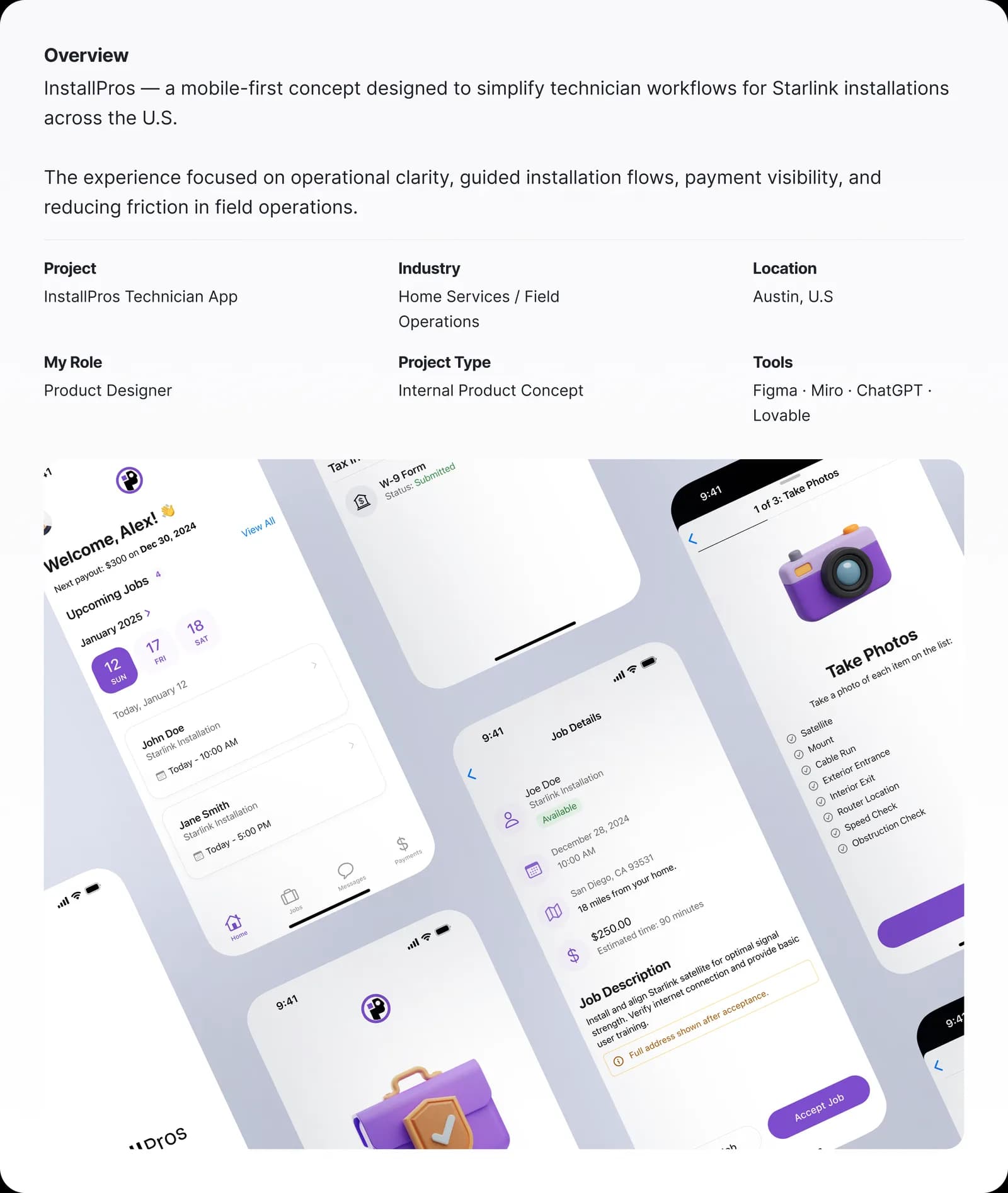
01/17·Overview
Context
A truck roll costs the same whether the install succeeds or fails.
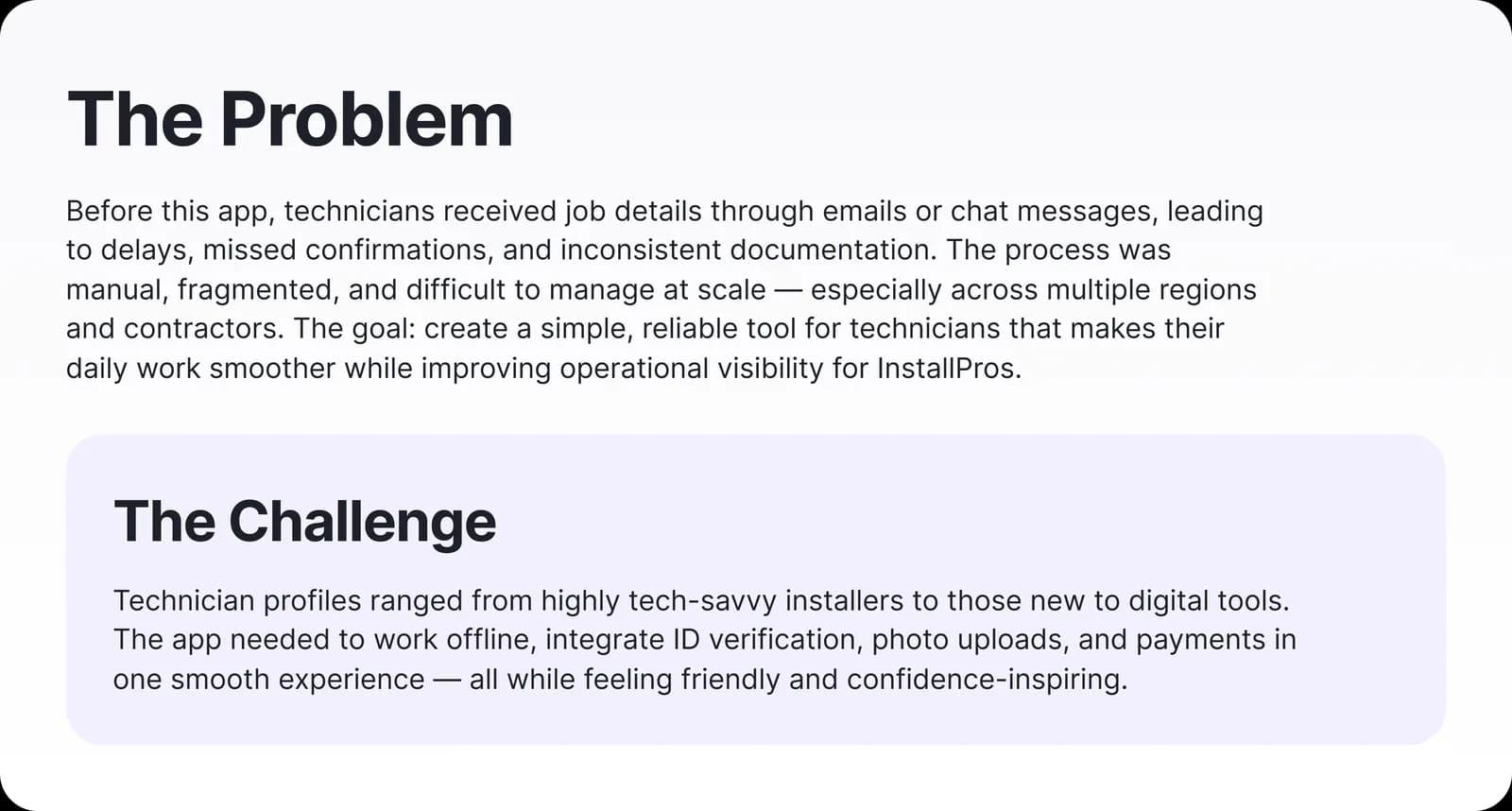
Install Pros runs Starlink internet installations across residential, commercial, and mobile sectors. The unit economics are unforgiving: a truck roll costs the same whether the install succeeds or fails, and every clarification call routes through a small dispatch team.
The business needed technicians to complete more installs per day with fewer escalations. Not a portal, but an operating tool that holds the job's state so the technician doesn't have to.
The field is the spec
The hardest part of the spec is the field itself.
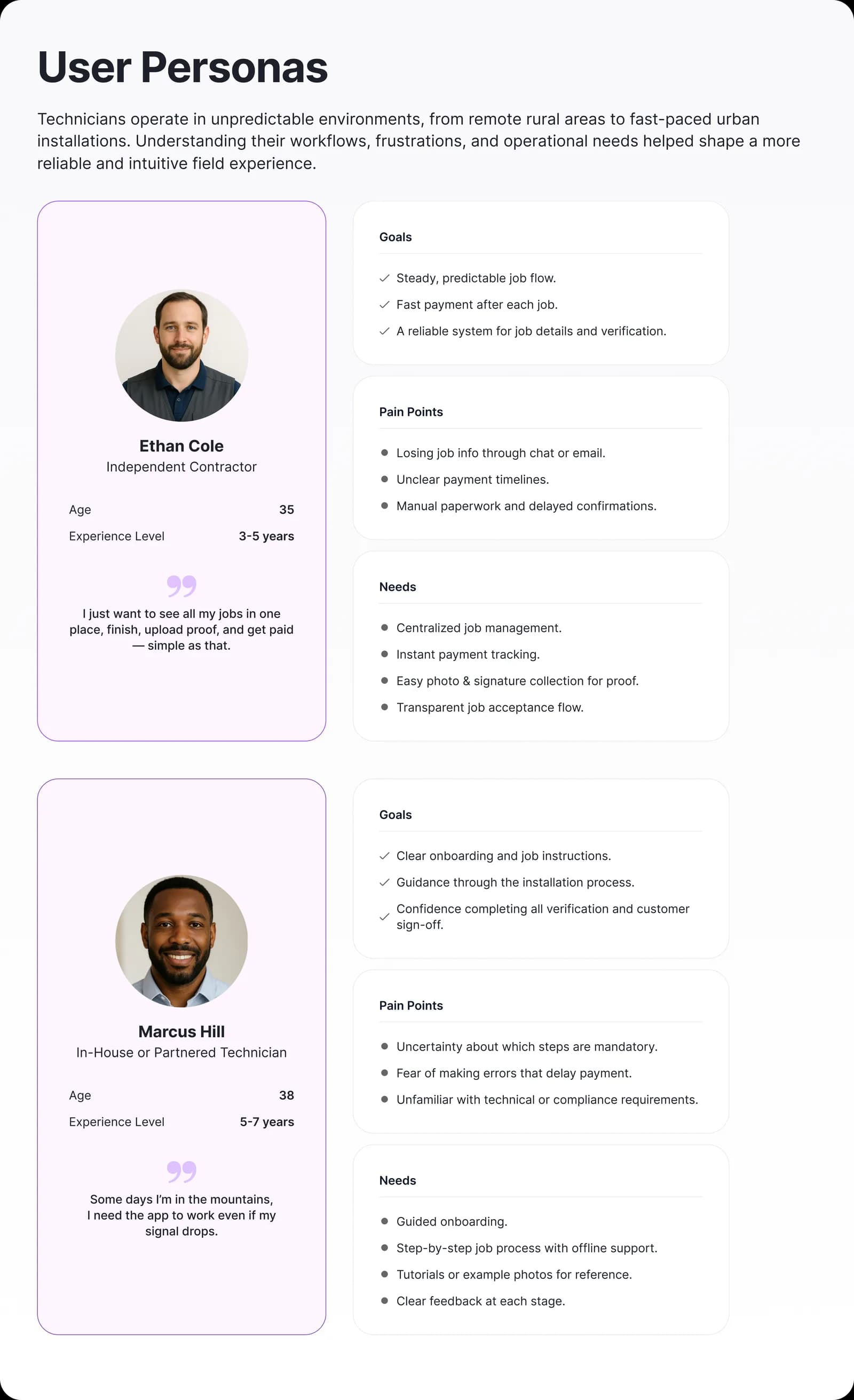
The interface is used standing, outdoors, often one-handed, in direct sunlight, between a ladder and a customer conversation. Sessions last seconds, not minutes: a technician checks the next action, then puts the phone away.
Connectivity is unreliable by definition: the customer is buying satellite internet because coverage there is poor. The product has to assume a dead zone at the exact moment of work.
01
Workflows survive the dead zone.
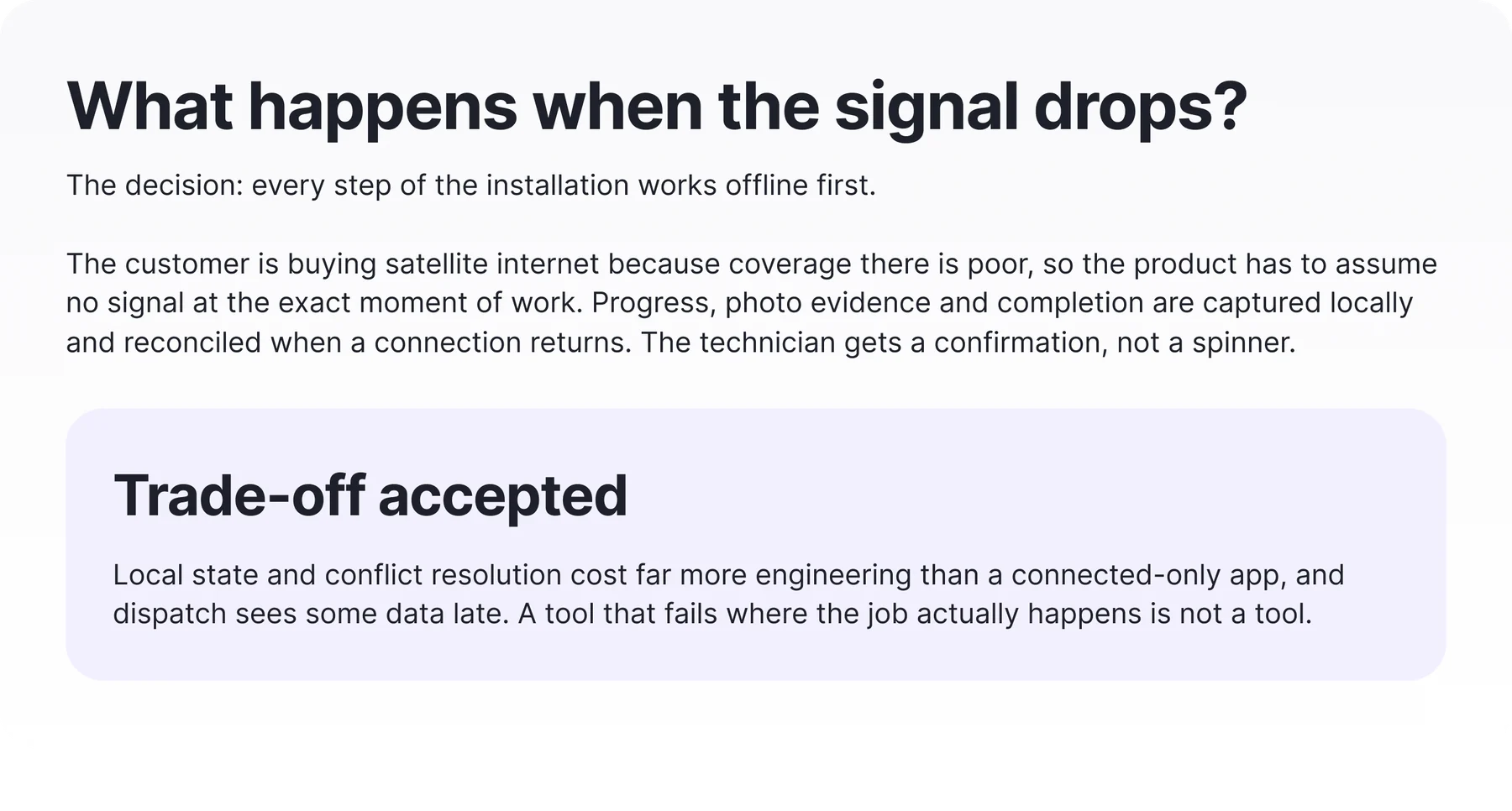
The customer is buying satellite internet because coverage there is poor, so the product has to assume no signal at the exact moment of work.
Every workflow is offline-first: progress, photo evidence, and completion are captured locally and reconciled when a connection returns. A technician never loses state or stares at a spinner mid-install: the app confirms the action and syncs later.
Trade-off accepted: More engineering complexity in local state and conflict resolution, accepted so the tool works where the job actually happens.
02
Installation runs as a recoverable state machine.
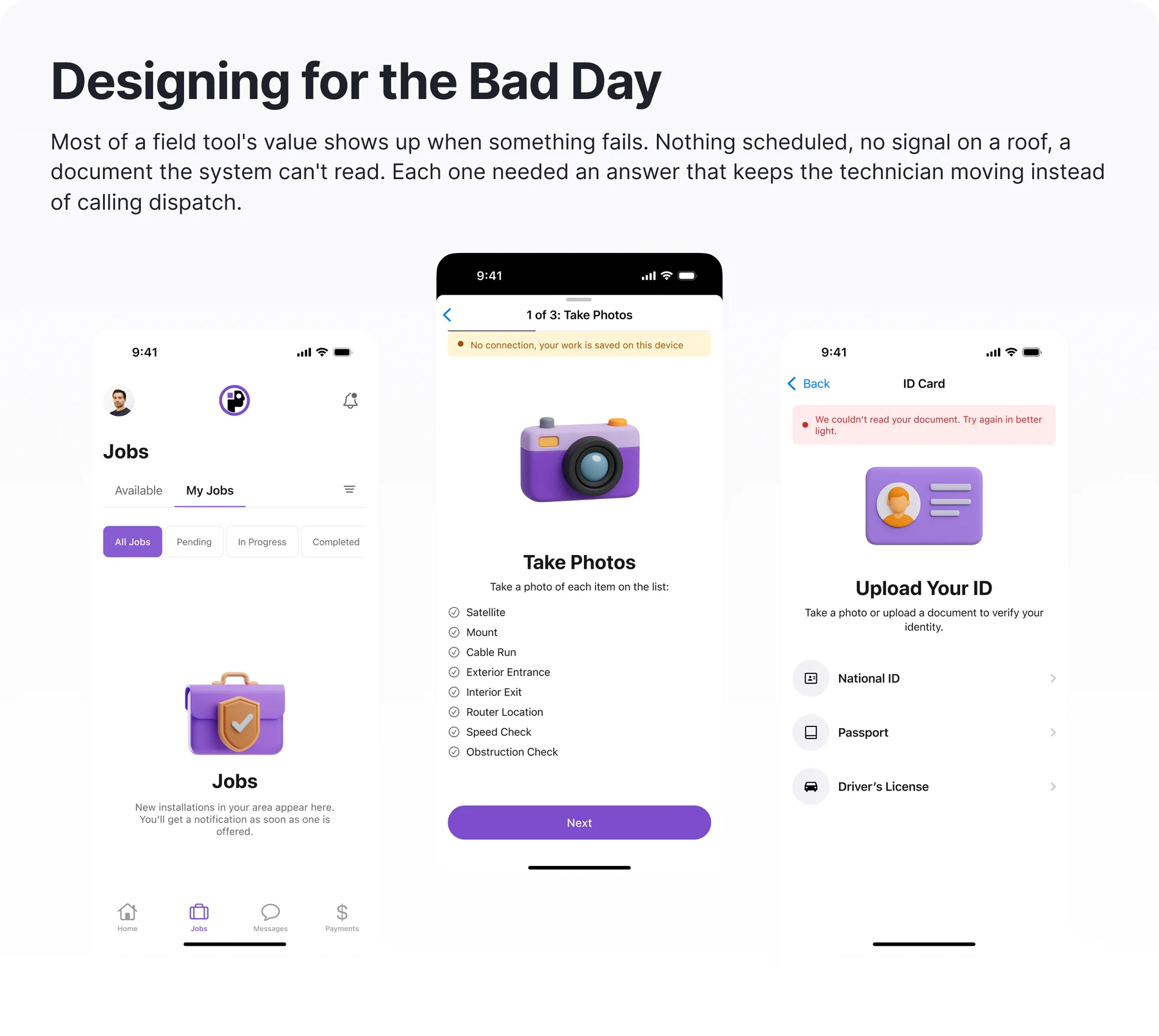
Installs rarely fail at step one; they fail in the middle: a blocked roof, a missing part, no signal.
The workflow models progress as discrete states a technician can complete, pause, annotate, or flag, and the flow knows how to resume from any of them. A deviation becomes structured data instead of a phone call to dispatch.
Trade-off accepted: Modeled states cost more design and engineering than a free-form checklist and constrain edge cases not yet mapped. We accepted that rigidity because recoverability was worth more than flexibility.
03
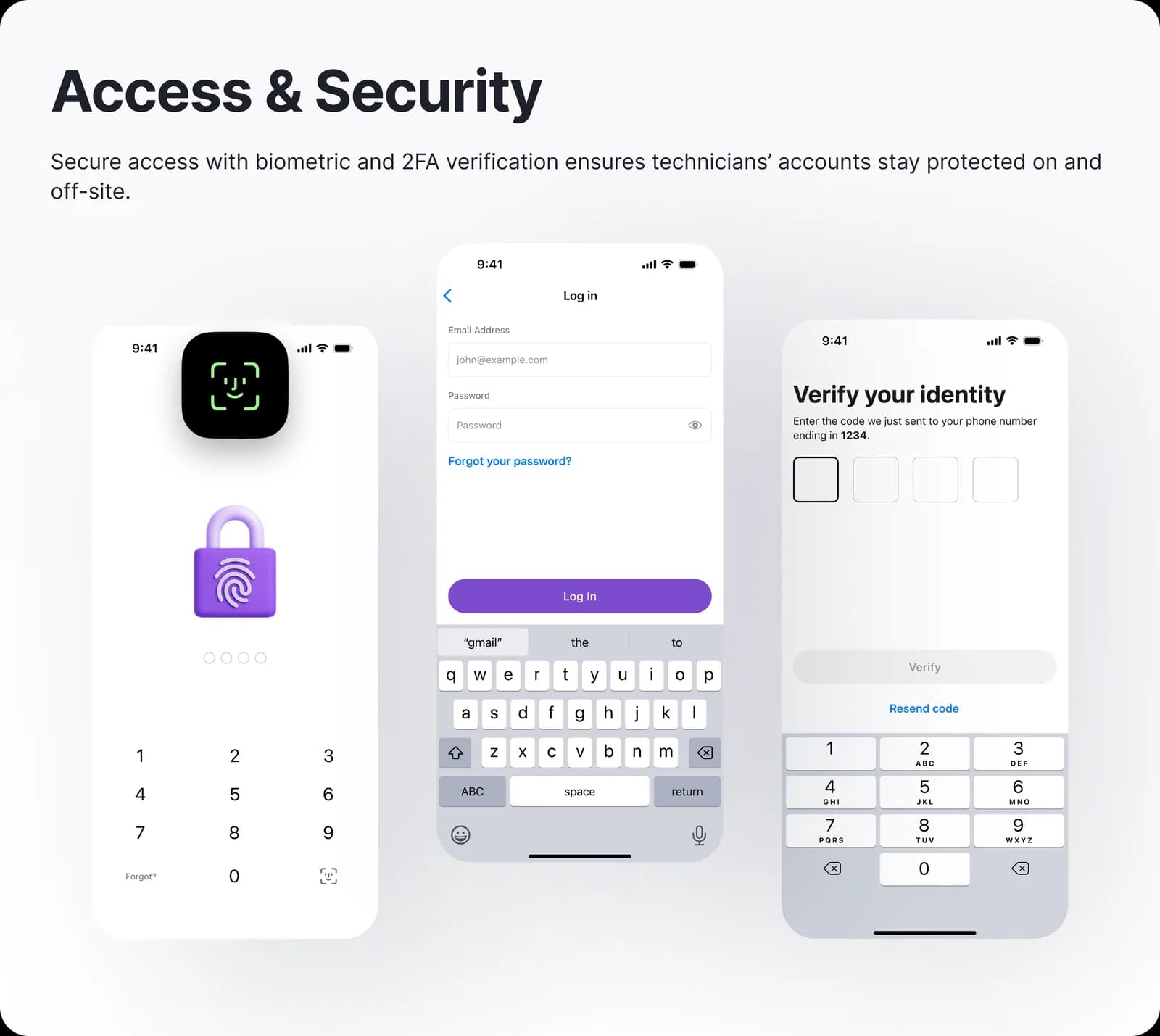
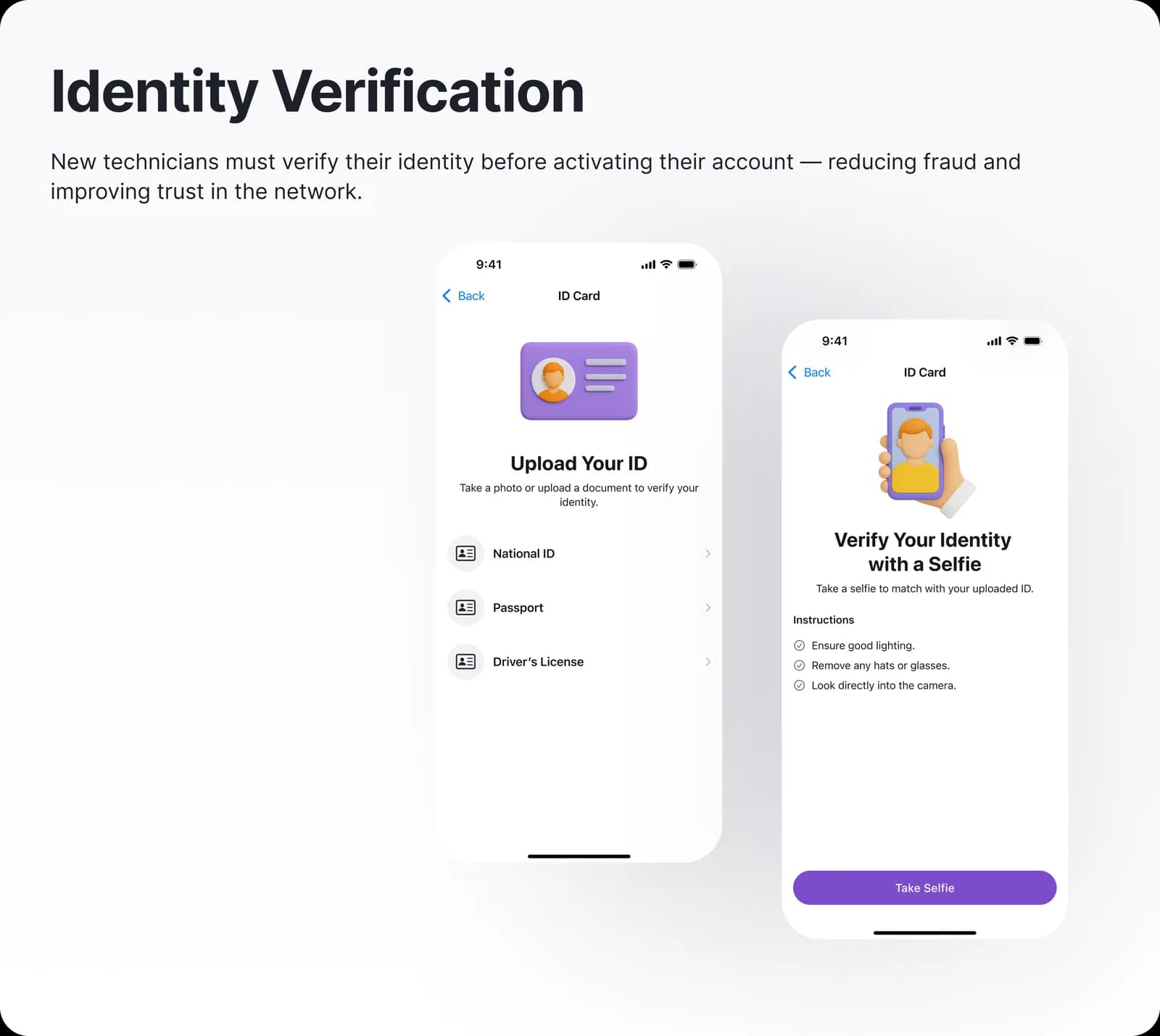
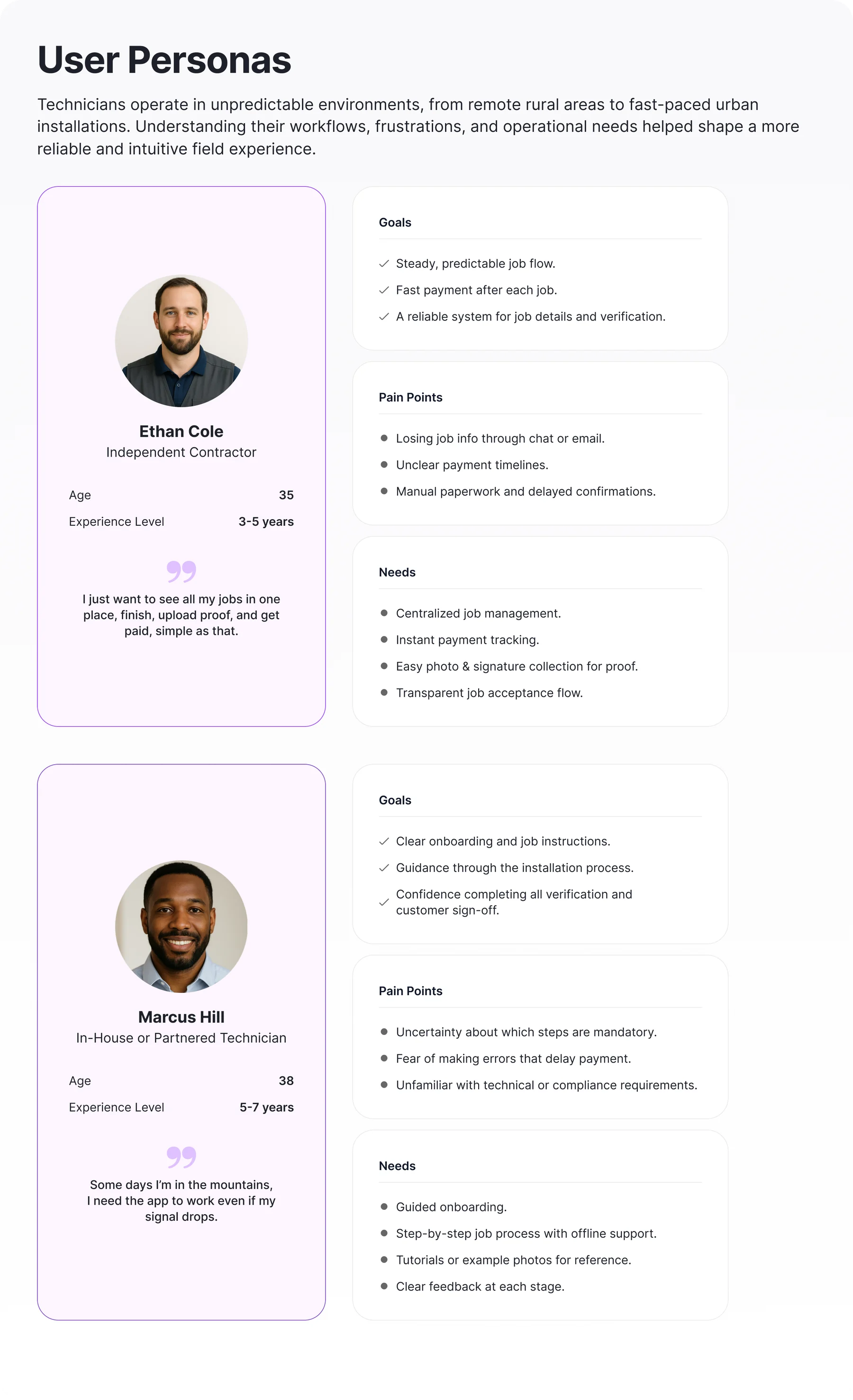
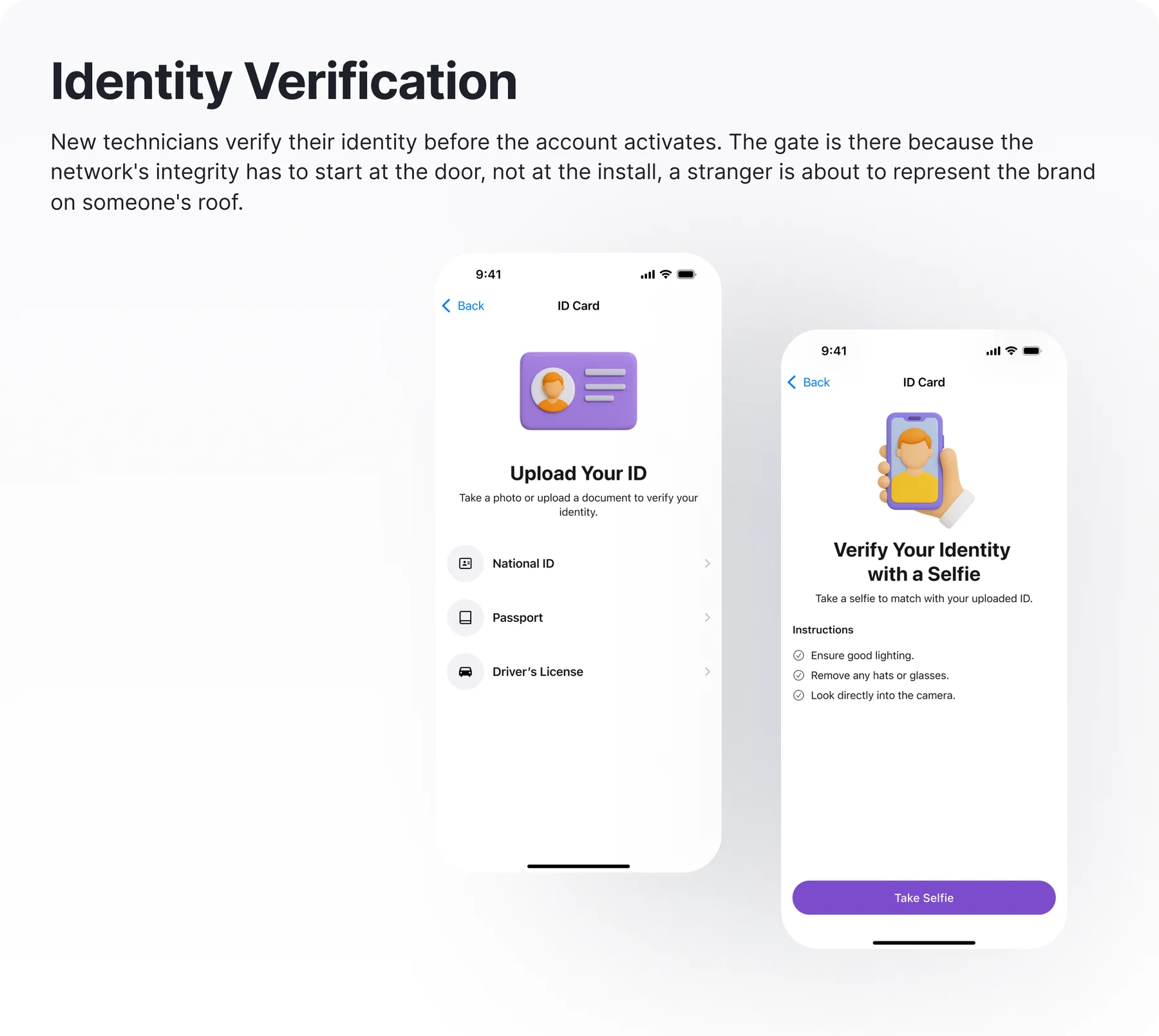
Trust is verified before the first job.
A stranger represents the brand on a customer's roof, so the network's integrity has to start at the door, not the install.
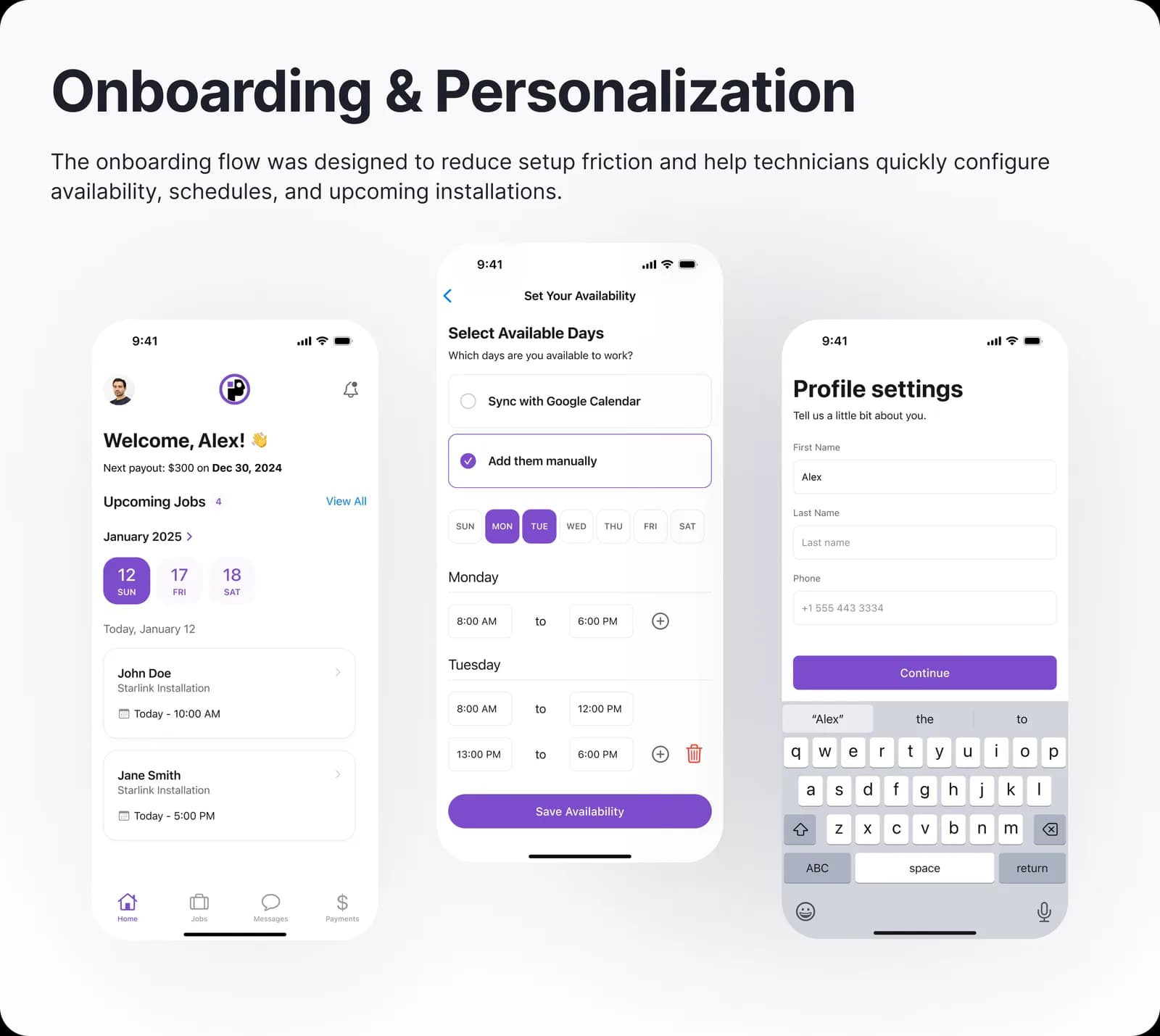
Access, identity verification, and onboarding were designed as one gated sequence: a technician proves who they are, then is personalized into the work, not dropped into a feature set. Dispatch can't assign a job to an unverified installer.
Trade-off accepted: A heavier first-run experience, accepted because a failed-trust install costs far more than a few extra onboarding minutes.
04
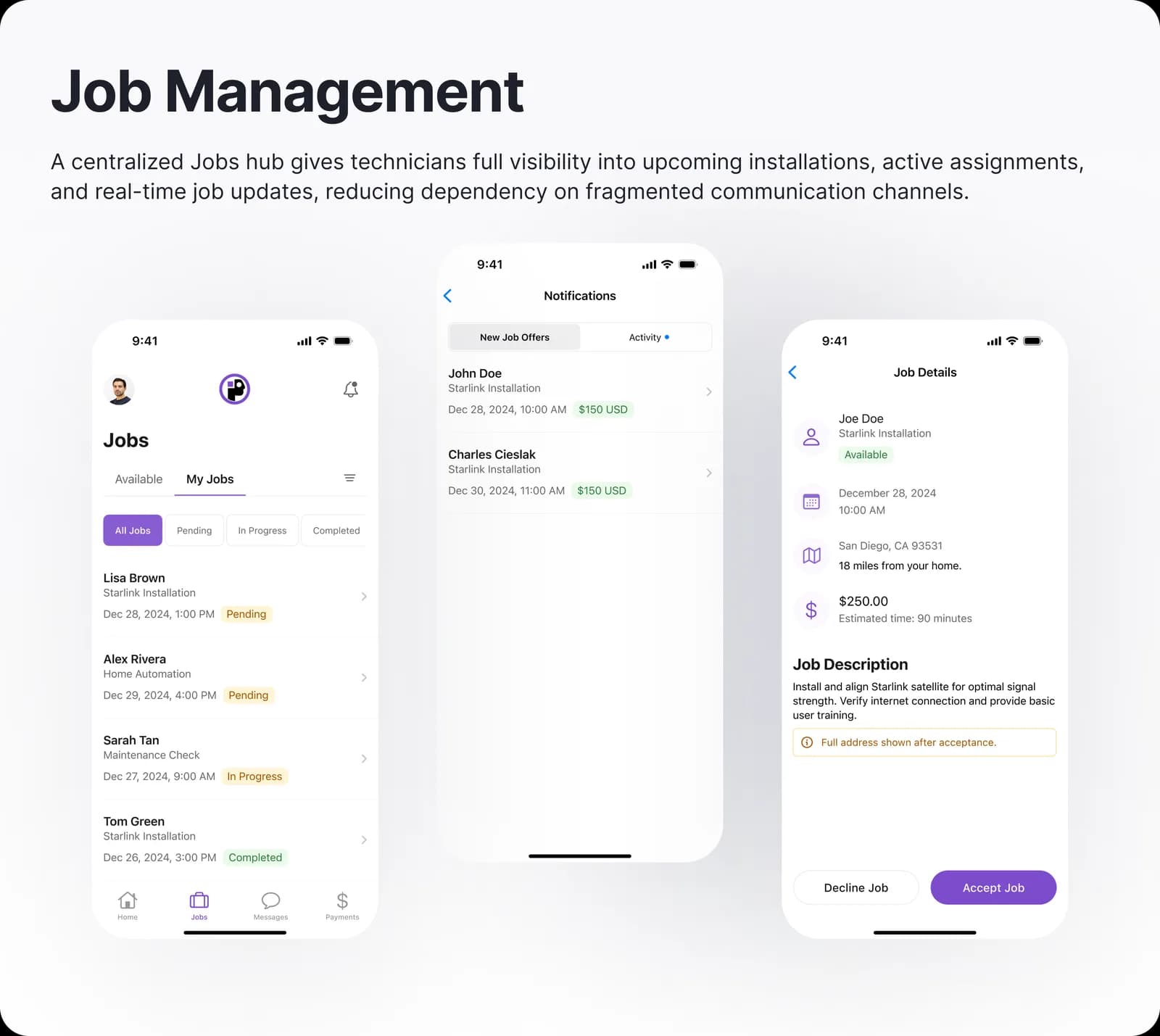
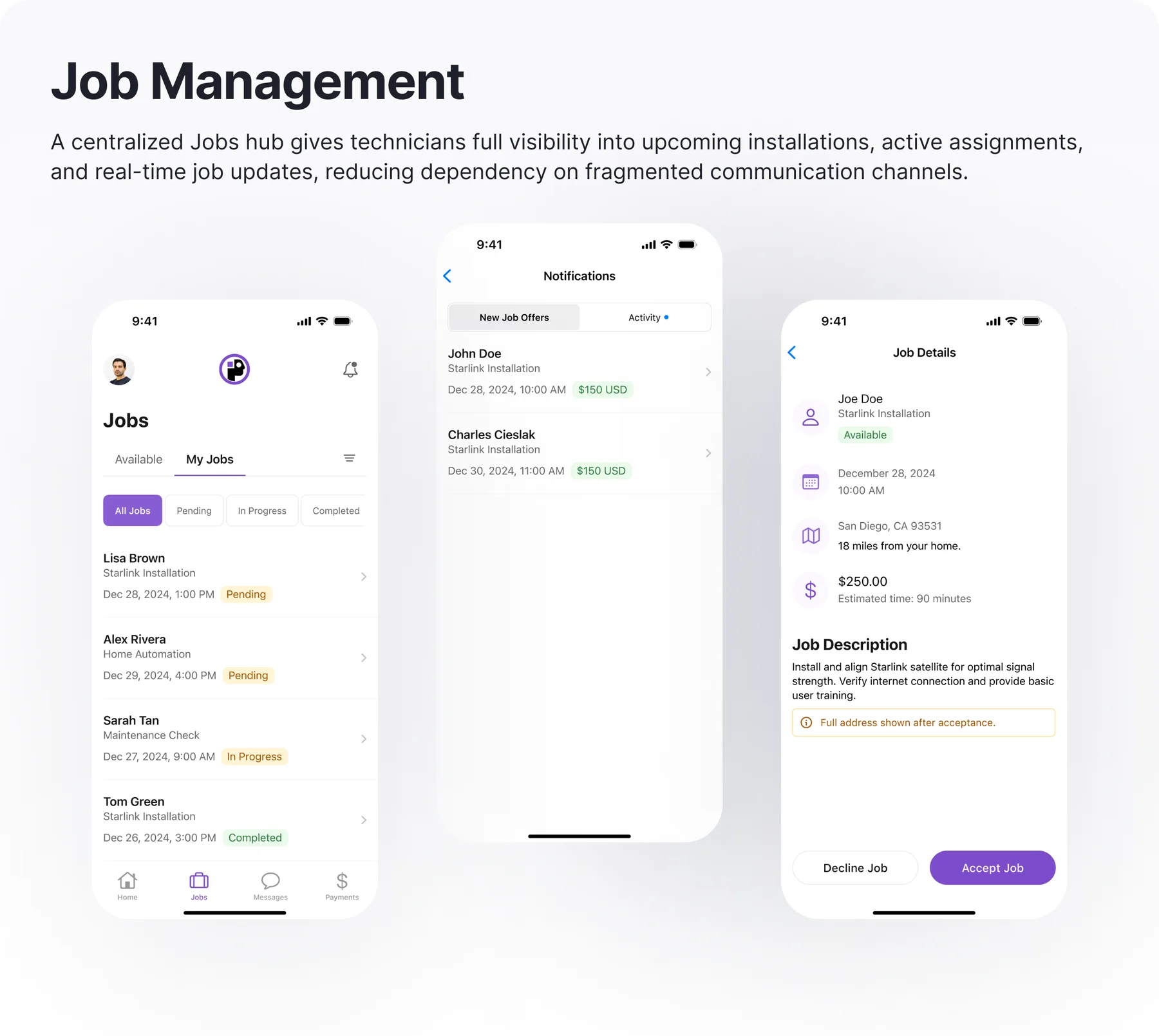
The pocket holds action; dispatch holds control.
How much job management actually belongs in a technician's pocket?
Job views were stripped to what a technician acts on: today's sequence, each job's state, and completion evidence. Assignment logic and exception handling stayed with dispatch, which kept the mobile scope shippable by a small team.
Trade-off accepted: Some technician autonomy (reordering jobs, self-assignment) was deliberately scoped out to protect operational consistency.
05
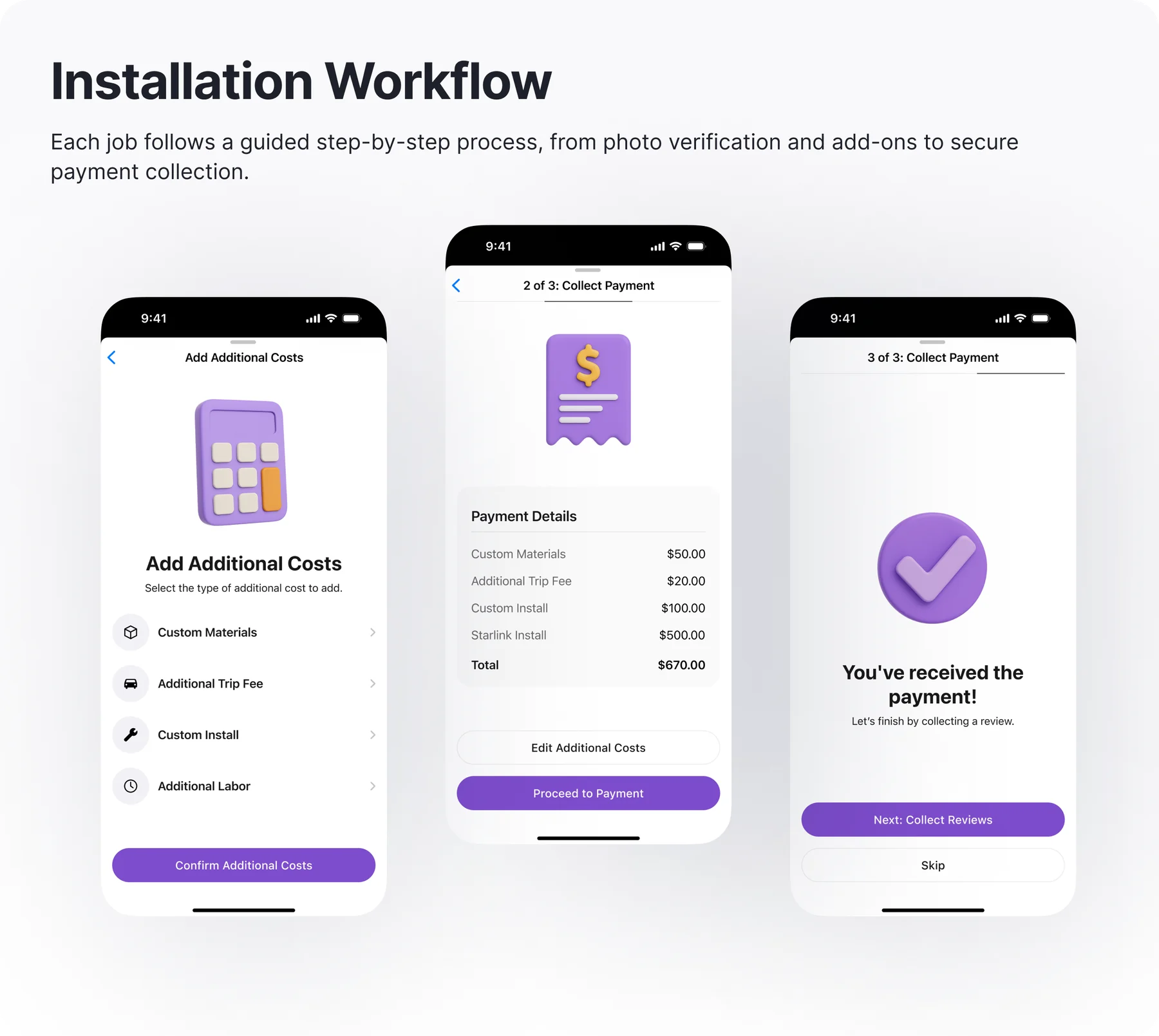
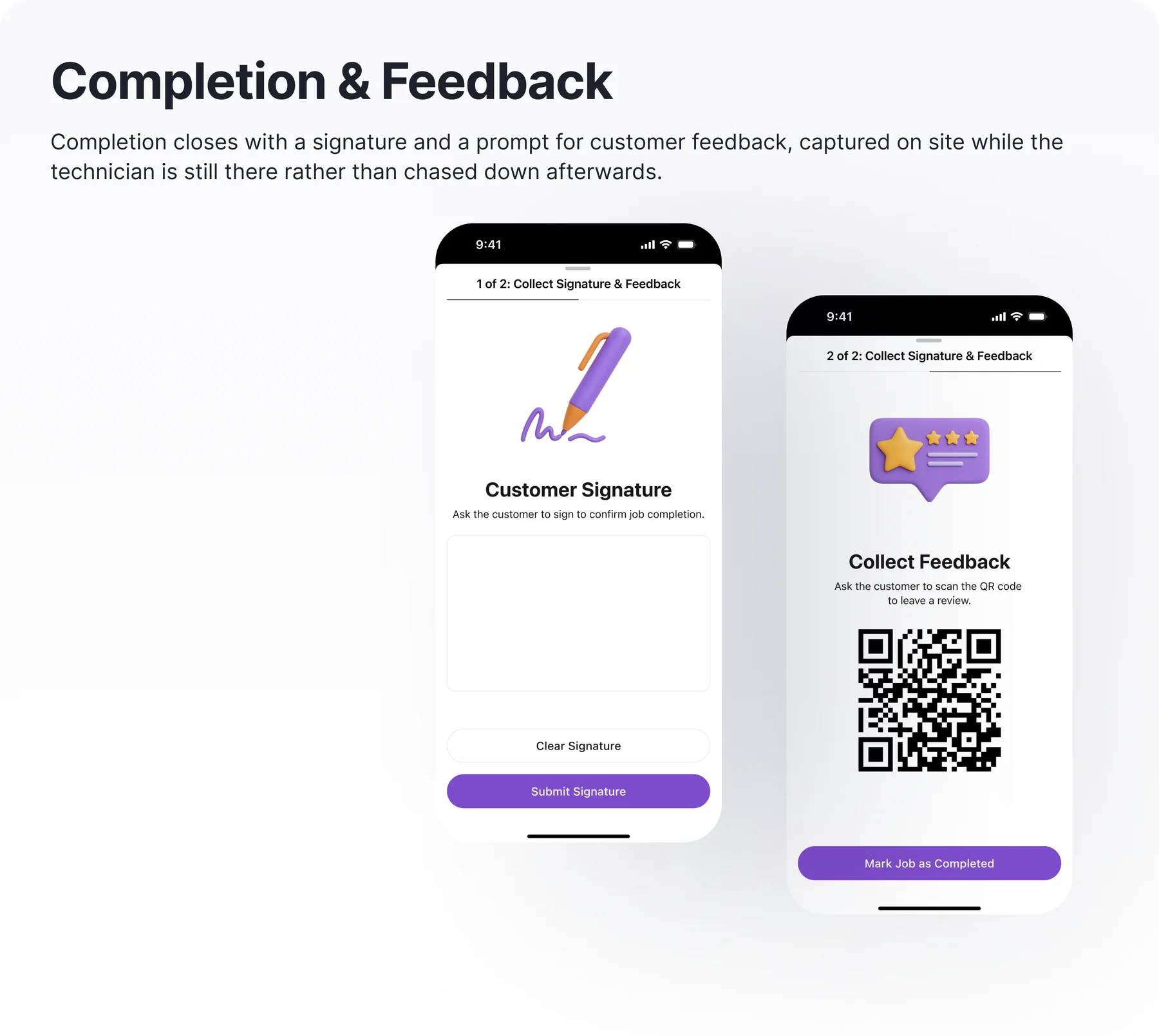
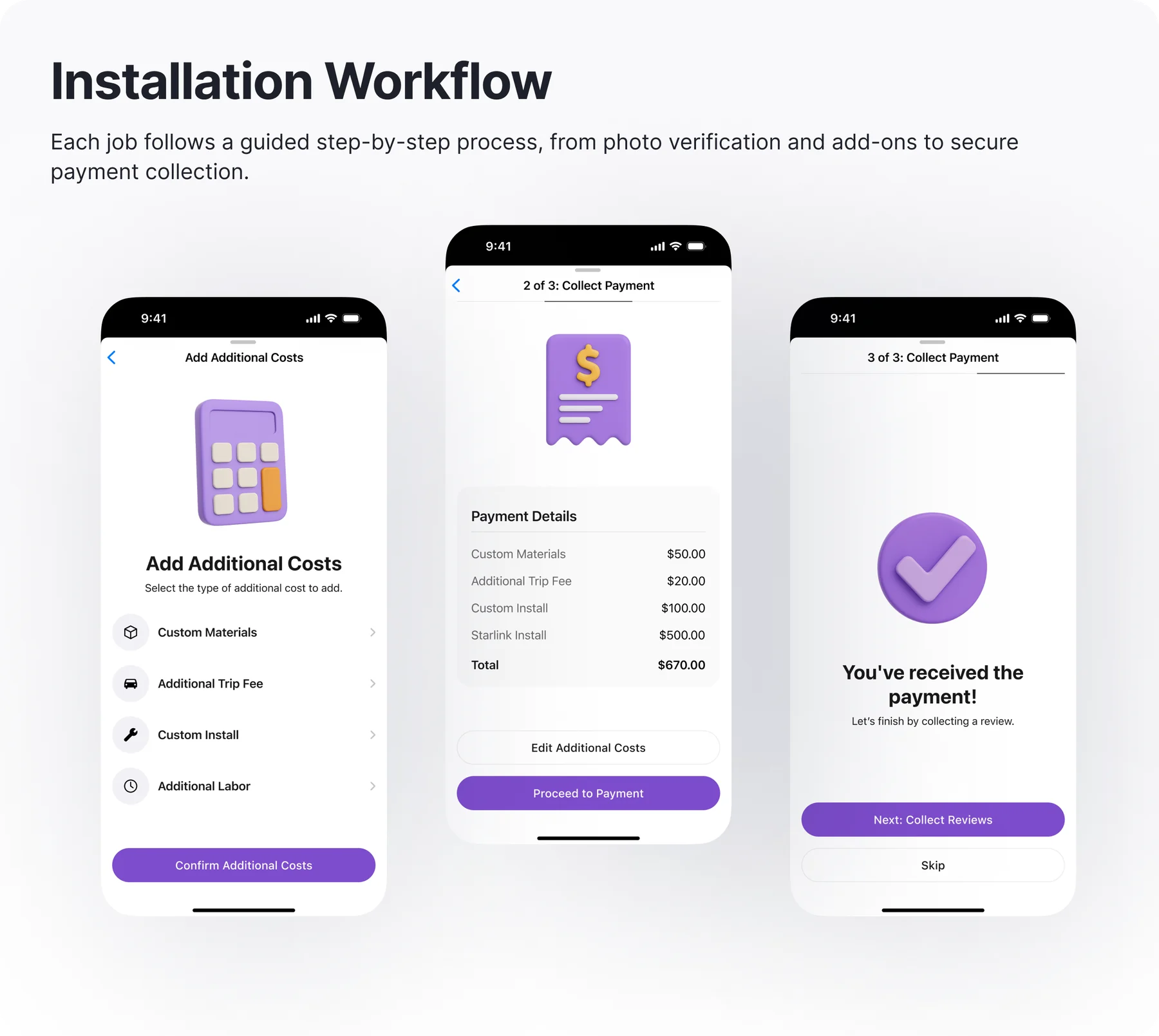
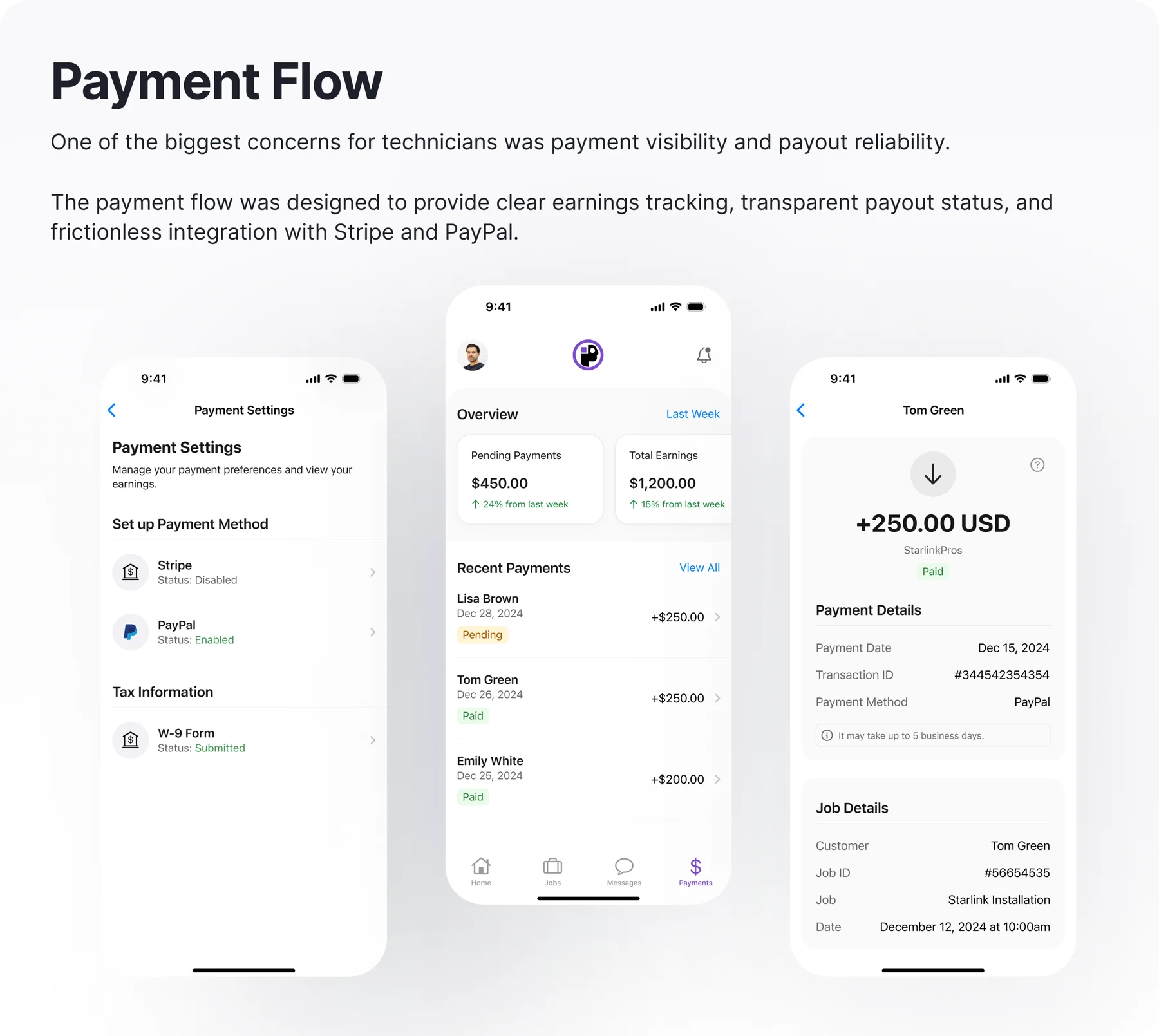
Payment closes the job, inside the job.
Where should a technician collect and confirm payment: a separate app, or the workflow that completes the install?
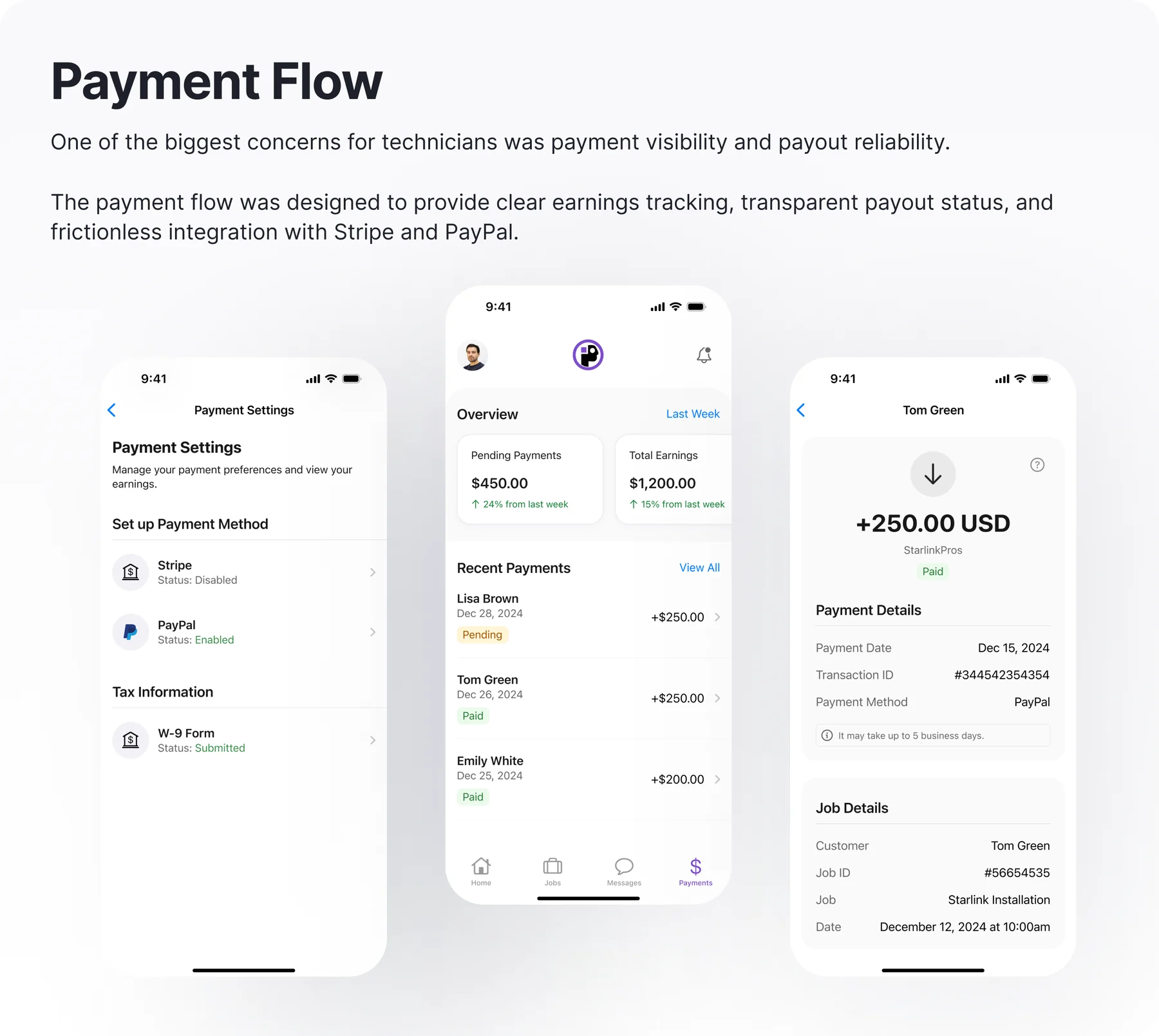
Earnings, payment capture, and payout status (Stripe, PayPal) live inside the job, not in a separate tool. The transaction becomes the natural last step of the work rather than an errand afterward, so nothing is left uncollected on site.
Trade-off accepted: Embedding payments widened compliance and integration scope, accepted because a job isn't done until it's paid, and splitting that across tools is where money and technicians get lost.
System & workflows
One pattern set, reused across every surface.
Screen patterns like status chips, action rows, and step headers were defined once and reused across scheduling, installation, and job views. The intent was economic: engineering would build from rules rather than mockups, and a technician never has to relearn what a color or a position means.
Designing with implementation in mind is what makes the concept buildable rather than aspirational: new surfaces assemble from the existing pattern set instead of getting designed from scratch.
Outcome
What the design proposes.
Every job state resolves to one legible next action, moving the scanning effort out of the technician's head and into the product.
Off-script situations are modeled as structured, recoverable states instead of dispatch calls, which is the difference between a tool and a phone tree.
The pattern set is as much the deliverable as the screens: a small team could add surfaces without a design cycle for each one.
What I'd measure next
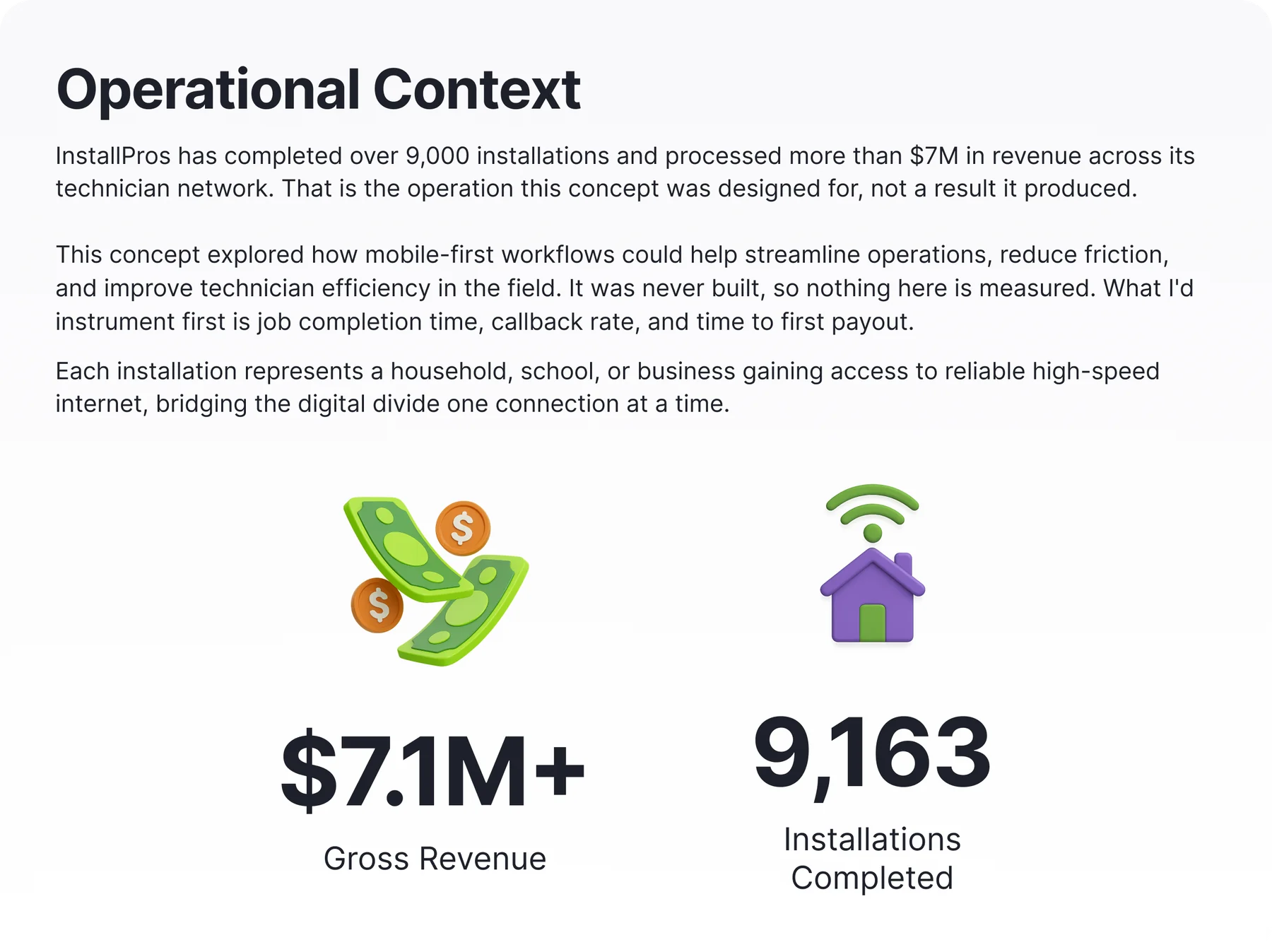
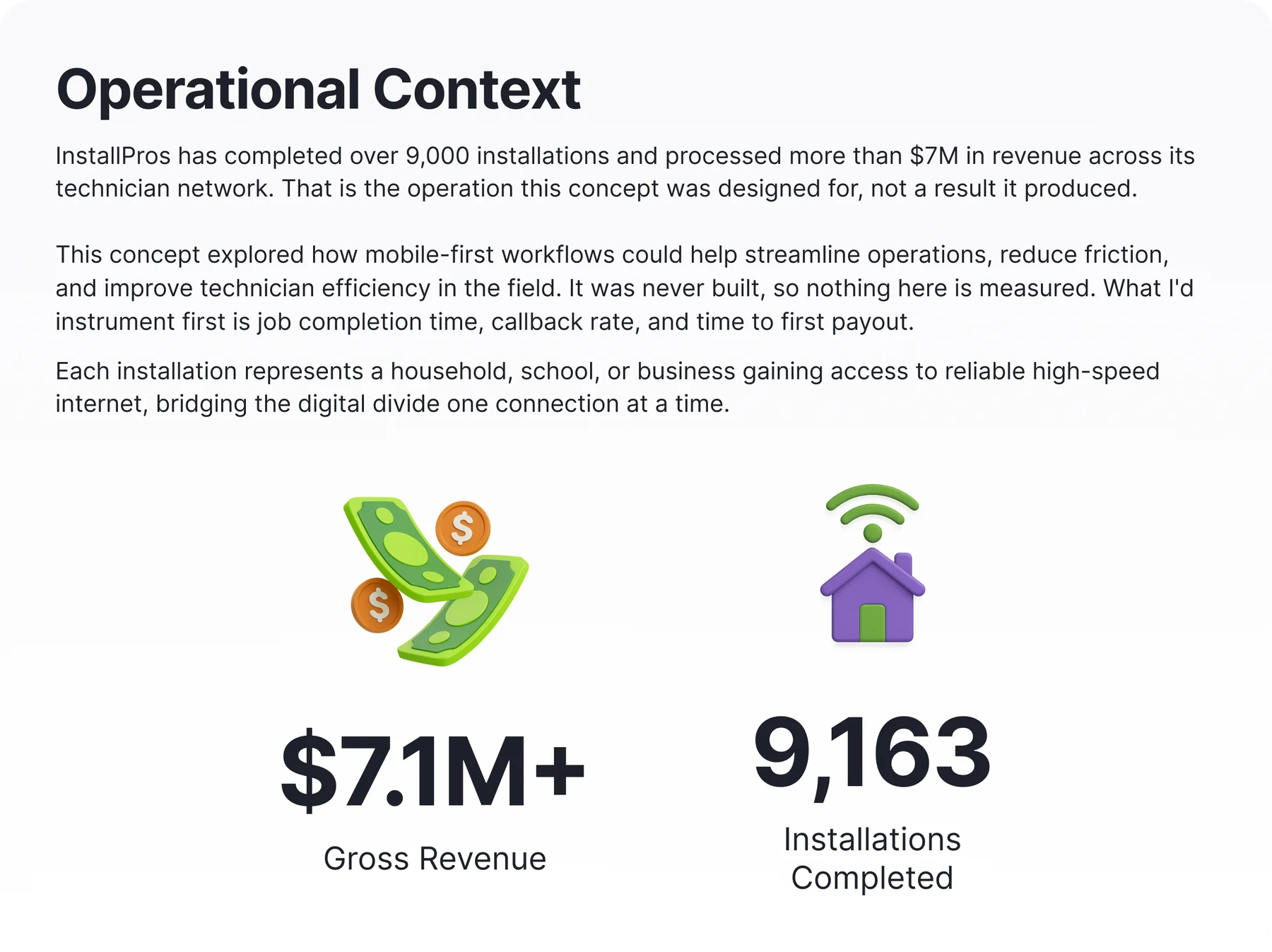
No results yet, which is the honest place to end. I'd instrument three things: job completion time, callback rate, and time to first payout. Callback rate matters most. It tests whether guided workflows prevent failures or only speed them up.
Next project
AgencyHub